
Chill
Configure SSH, Wake-on-LAN, and Tailscale — in three clicks.
A free desktop app that packages everything you need for remote access. Configure SSH, enable Wake-on-LAN, and connect to Tailscale — without installing anything else.
Open Source · Windows & Linux
# Install
$ curl -fsSL https://raw.githubusercontent.com/Kevin-hDev/ChillApp/main/scripts/install.sh | bash# Clone
$ git clone https://github.com/Kevin-hDev/ChillApp.git
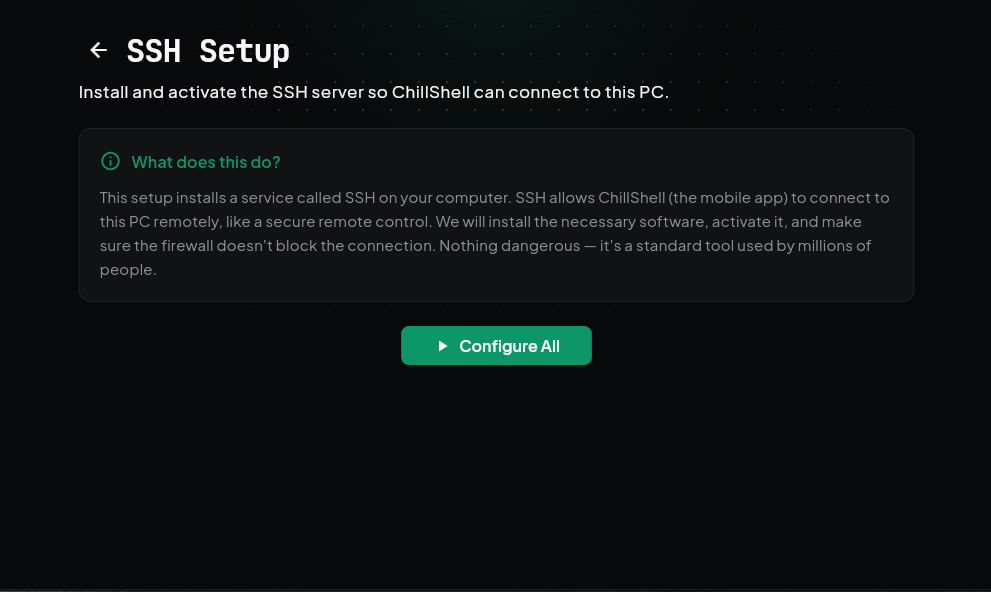
SSH in one click
Chill installs and activates the SSH server on your PC automatically. No PowerShell commands, no manual configuration. Click "Configure All" and your PC is ready for remote connections.
Wake-on-LAN, simplified
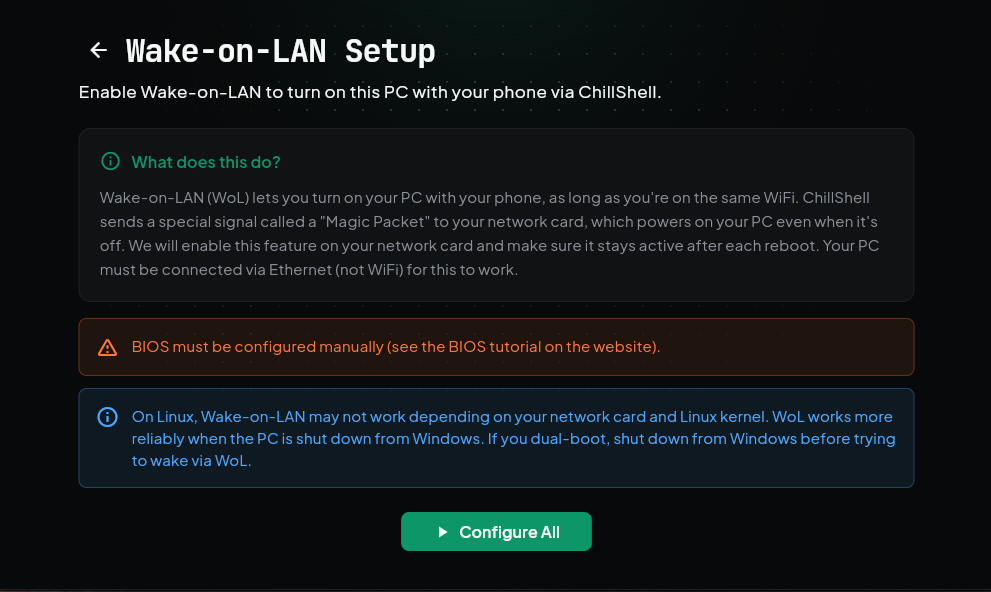
To access your PC remotely, it needs to be powered on. Wake-on-LAN lets you start it from your phone. Chill enables WoL on your network card, disables Fast Startup, and handles the rest — BIOS settings still need to be configured manually.
Tailscale built in
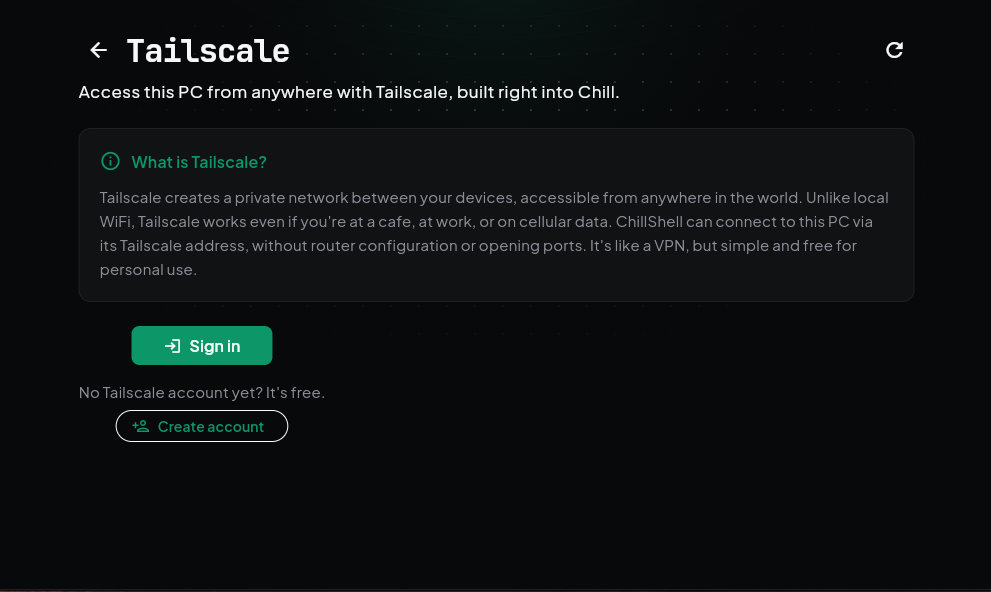
Connect your PC to Tailscale directly from Chill — no need to install Tailscale separately. Sign in or create an account, and access your computer from anywhere in the world.
Ready to set up your PC?
Before using Chill, please read ⚠️_READ_THIS_FIRST.md and SECURITY.md in the repository.
Prefer manual setup? Follow our step-by-step tutorials →