
Tailscale VPN
Tailscale lets you connect to your PC from anywhere — WiFi, 5G, abroad. No port forwarding needed. Download the Chill app to set up everything in three clicks, or follow the steps below for manual configuration.
1. Create a Tailscale account
Go to the Tailscale website and create a free account. You can sign in with Google, Microsoft, GitHub, or Apple.
Create an account on Tailscale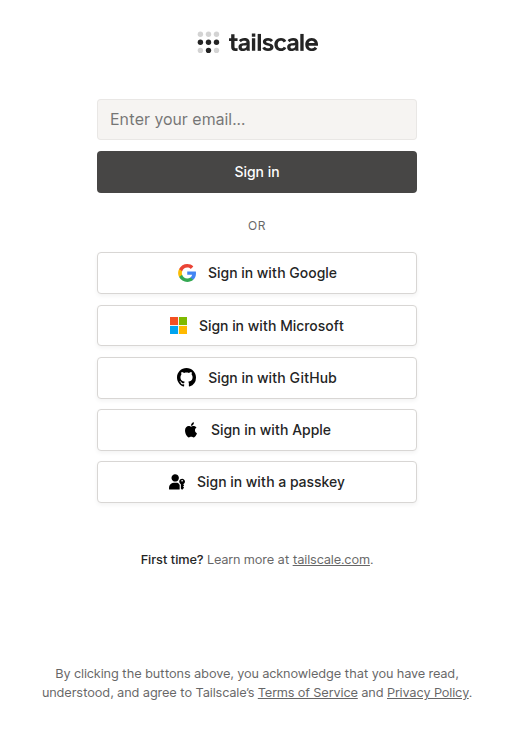
2. Install Tailscale on your PC
Download Tailscale from the official website and install it. Sign in with the same account you just created.
Download Tailscale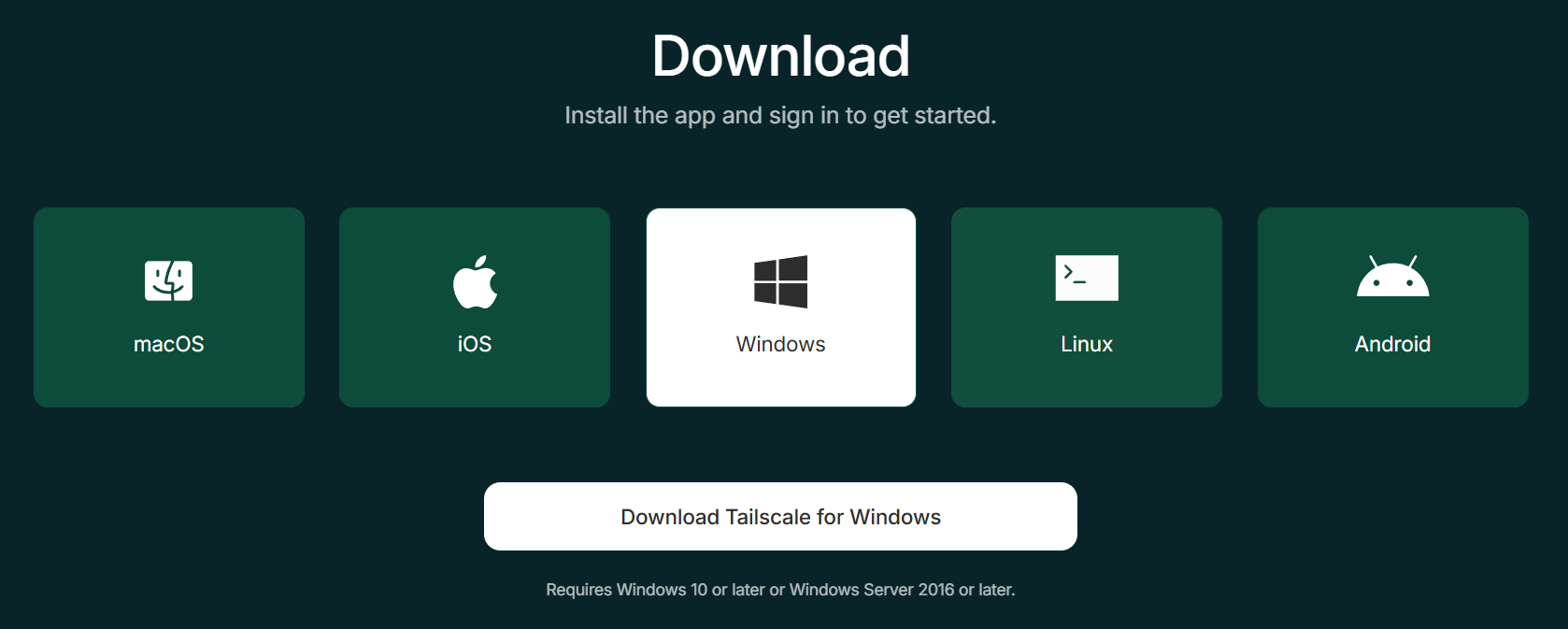
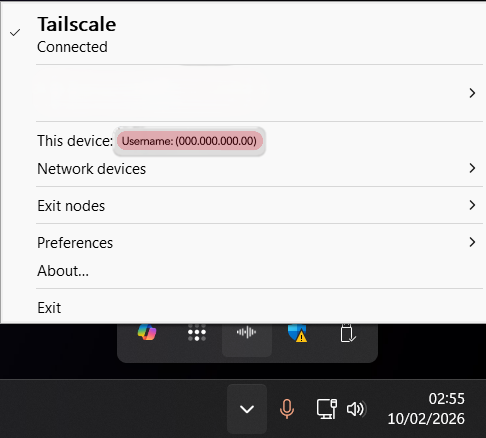
Once installed, Tailscale appears in your system tray. You'll see "Connected" and your device's Tailscale IP.
3. Install on your phone
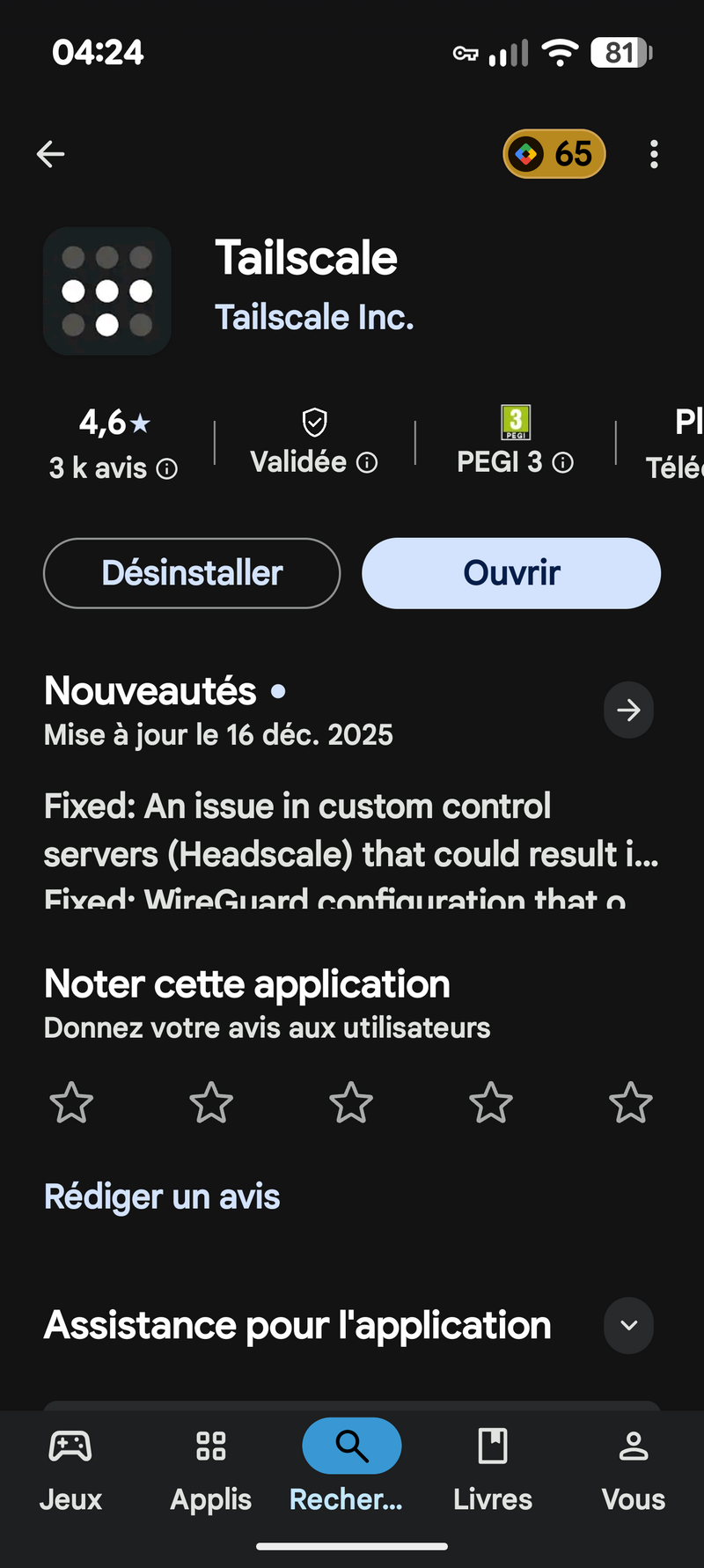
Download Tailscale on your phone and sign in with the same account as on your PC.


4. Get your Tailscale IP
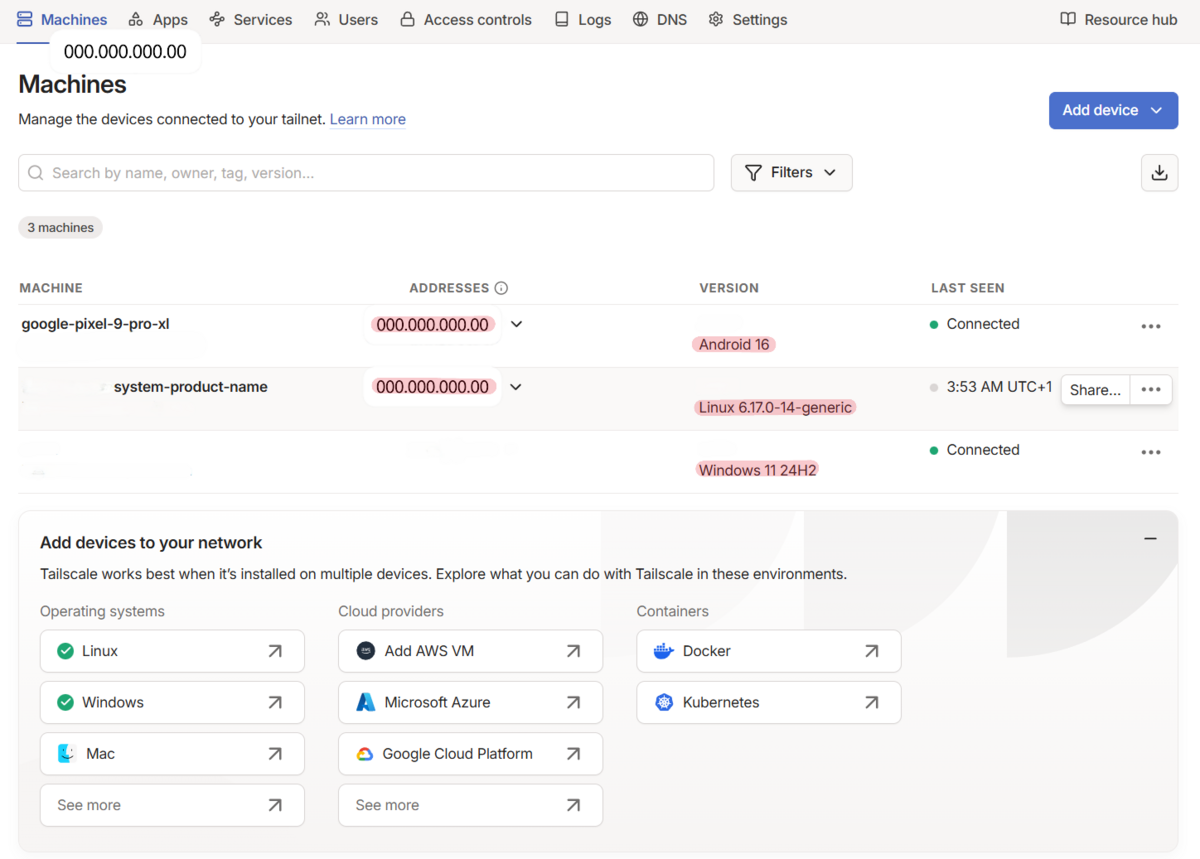
Your Tailscale IP starts with 100.x.x.x — you can find it in the app or the web dashboard. Use this IP in ChillShell instead of your local IP. It works everywhere: WiFi, 5G, abroad.
tailscale ip -4Related
HUYNH Kevin
Creator of Chill